Pet Forest How Script Execution Works
Vocabulary only. There is no Pet Forest script to paste at the end of this page.
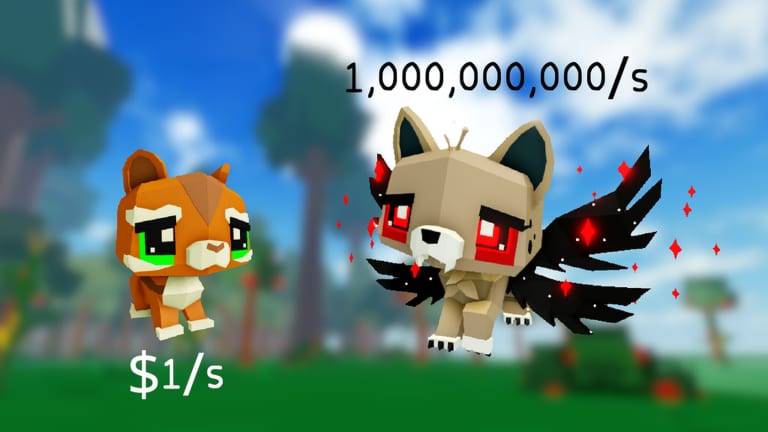
This page exists because searchers type “how to execute Pet Forest script” and land on tutorials that immediately paste a loader for a different game. We will describe the generic shape of an executor workflow so you can recognize it, then send you back to legitimate play. We will not name a recommended injector. We will not end with a loadstring.
Read Script Safety first. Read Scripts Hub to confirm the shelf is still empty.
The generic shape people mean
In other Roblox titles, “execute” usually means: install a third-party client, attach it to the running experience, paste a Lua loader, press a button labeled Execute. That client is not Roblox Studio and not the official app. It is the part that violates the platform rules. If a video skips straight to “paste this” without showing the Pet Forest HUD, it is not a Pet Forest tutorial.
What you should do instead
- Confirm the game on screen is Pet Forest (place ID 83863726584027).
- Confirm Scripts Hub still has no dedicated row.
- Close the video if the HUD shows eggs, campfires, or a different title.
- Play the verified loop: How to Get Pets, Crafting and Luck, Elusive Pet Hunting.
- If you wanted automation because the grind is boring, use weather windows and the income planner, not a stranger’s file.
Why this wiki still has the page
Leaving the keyword empty hands the slot to a site that will invent a script. A page that says “there is nothing to execute” is more useful than a 404. When a real Pet Forest tool exists, this article will gain a feature list and a warning, not a silent paste.
Related empty shelves
Codes and How to Redeem follow the same rule. Official play does not require either shelf. The changelog will note it if that ever changes.
If you opened this page hoping for a magic button, the honest button is the official Play link on the Roblox experience. Everything else is noise from bigger titles that happen to contain the word forest or pet.
A last distinction: Roblox Studio playtests of your own place are not “executing a hub.” They are development. Pasting a public loader into a live session you do not own is the opposite. If a friend swears their auto-shake is harmless, ask them to show the Pet Forest HUD and a feature list that mentions trees, not eggs. If they cannot, you already have your answer. Go take a Luck Potion into the desert instead. That is the only execute button this wiki will endorse: use the item, click the tree, keep the account.
If you are helping a younger sibling, sit with them while they search. Close the first three videos that show the wrong HUD. Then open Getting Started and shake a real tree. That is the only onboarding this keyword deserves.
Parents should know that “execute” in a thumbnail is not a homework verb. It is a third-party client. If you cannot explain that difference, do not install the program. Play the official app, shake a tree, and close the tab that promised a GUI. Close the tab. Open the official experience. That is the execute guide.
Frequently Asked Questions
Quick answers to the most common questions.
Where is the Pet Forest loadstring?
There is not a verified one. This page will not invent it.
What does Execute mean in Roblox videos?
It means running third-party Lua through an unauthorized client. That violates Roblox rules.
Can I execute from Roblox Studio?
Studio is for developing, not for injecting public hubs into a live experience you do not own.
What page should I read after this?
Script Safety if you still have a file, or Guides Hub if you want to play.